Your brand, front and center
Upload your logo and set colors that match your identity, so your help center feels like a natural part of your product.

Themes and branding
Start with a ready-made theme, add your logo, colors, and fonts, then connect your own domain. Need deeper control? Customize the underlying HTML and CSS too.



Why it matters
When your help center looks like the rest of your product, customers trust the answers they find there—and never feel handed off to a generic support portal.
Upload your logo and set colors that match your identity, so your help center feels like a natural part of your product.
Host your help center on your own domain, like help.yourcompany.com, instead of a generic third-party URL.
Manage branded public help centers and private internal SOP sites from the same HelpSite account.
How it works
Start with a polished layout like Calm Minimal, Dark Terminal, Bold Modern, or Ready Layout instead of designing from a blank page.

Make it yours
Set the primary, secondary, background, and text colors, then choose fonts that match your visual identity. Changes are easy to preview before anyone else sees them.

Publish with confidence
Review the finished theme before it replaces your current design. Activate it when it looks right—and switch or customize it again whenever you need.

HelpSite was easy to set up. There is a way to customize templates applying your own brand, color, etc. The customer service is great.
More control when you need it
Use the visual theme controls for a fast launch, or edit the HTML and CSS when your brand needs something more specific.
Choose a theme and adjust its logo, colors, and fonts without involving a designer or developer.
Edit page templates and CSS for more complete control over layout, styling, and embedded experiences.
Give different products, brands, clients, or internal teams their own site design from one account.
Start from a clean, reader-focused foundation that works across desktop and mobile.
Try themes and customization free during your trial—no credit card required.
Common questions about customizing how your help center looks.
Yes. You can start from a ready-made theme—like Calm Minimal, Dark Terminal, or Bold Modern—then adjust the colors and fonts to match your brand and preview it before you publish.
Yes. You can upload your logo and set colors that match your brand identity, so your help center looks like part of your product instead of a generic support page.
Yes. Paid plans include a custom domain and SSL, such as help.yourcompany.com. You can also use a default HelpSite subdomain while getting started.
No. Themes, colors, fonts, and your logo are handled in your HelpSite settings with no code required. Developers can optionally customize the HTML and CSS for deeper control.
Yes. Pro and Max plans include custom layouts with full HTML and CSS, giving you deeper control over page templates, styling, and embedded experiences beyond the visual theme settings.
Yes. Each site can have its own theme and branding, so public help centers, private SOP sites, products, brands, or client portals can each have a distinct look while being managed from one account.
You can try customization features during your free trial. Custom domains and theme customization are included on every plan, while custom HTML and CSS layouts and removing HelpSite branding start on Pro. See the pricing page for the current plan details.
Public and private
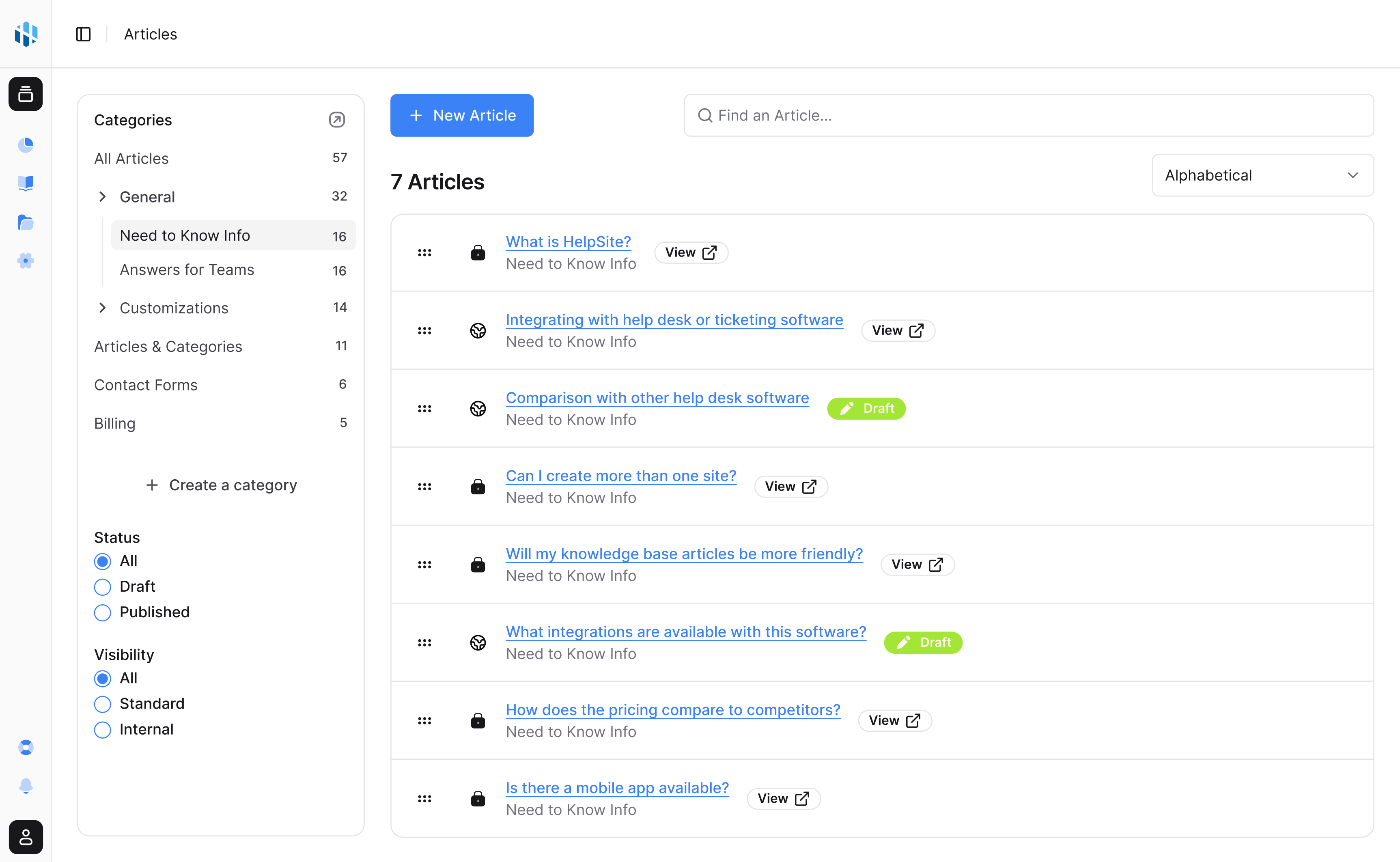
Run separate help centers for customers, products, teams, or brands from one account.
Launch quickly
Bring existing docs, choose visibility, and publish a searchable help center without a long implementation project.
One place for answers
Create public articles, private SOPs, and team playbooks in a simple editor built for repeated questions.
Start with a ready-made theme, then customize as much—or as little—as your brand needs.
Start your free trial14-day free trial · No credit card to start