1. Create your site
Spin up a new help center in a few clicks—no setup project required.

Effortless setup
Create your help center in just a few clicks—no developers, no headaches, and no delays.
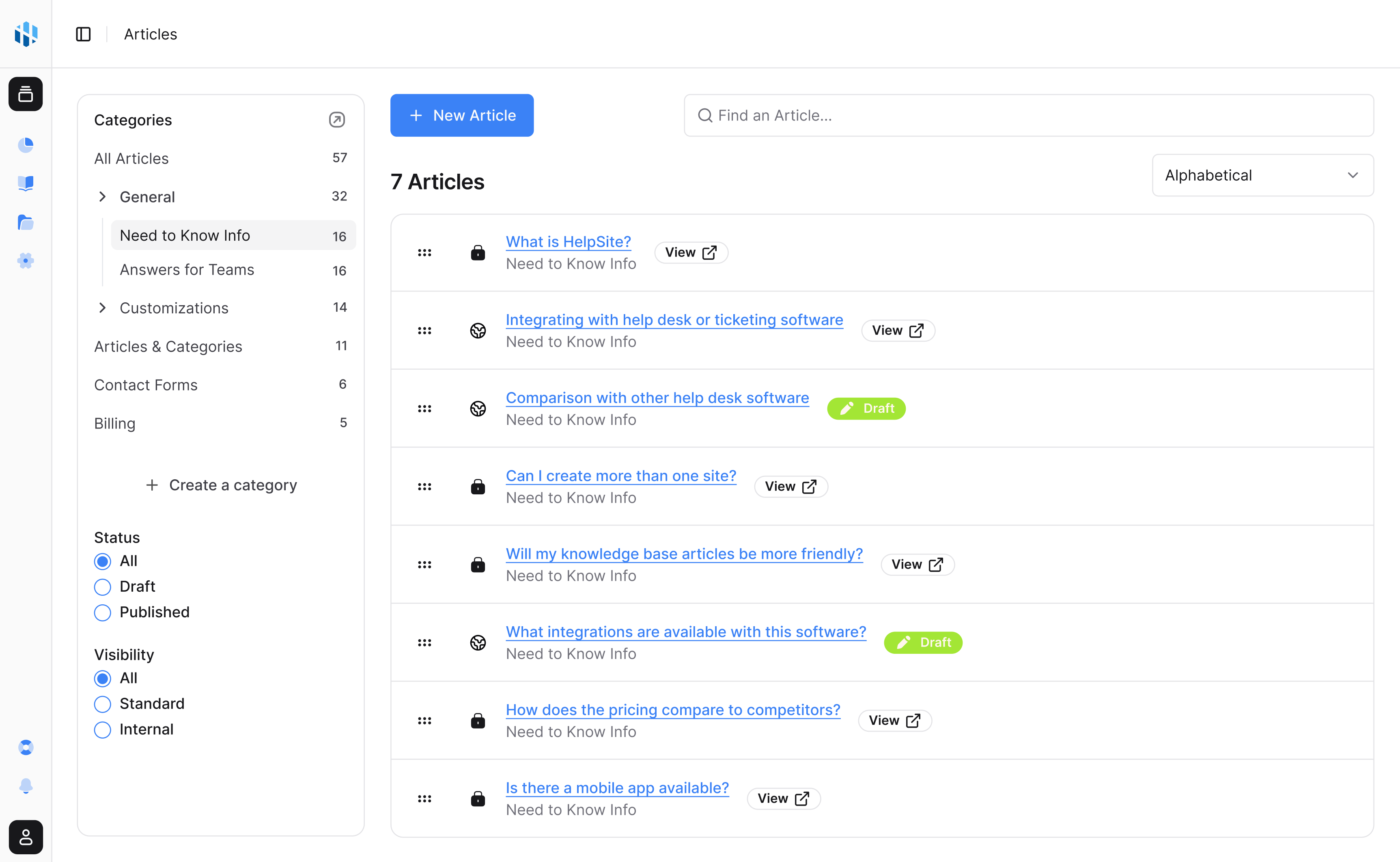


Get started
HelpSite makes it easy to get started without any technical skills—most teams are live the same day.
Spin up a new help center in a few clicks—no setup project required.
Pick a HelpSite URL or connect your own domain in just a few clicks.
Customize your help center to reflect your brand, then start writing.
No slowdowns
Unlike platforms that complicate setup, HelpSite prioritizes your time—so you launch in minutes, not weeks.
Make it yours
Tailor your help center to reflect your brand effortlessly.
Upload your logo and choose colors that match your brand identity.
Use your own domain or a default HelpSite subdomain for quick setup.
Have a fully functional help center up and running today—no waiting on technical support.
Most teams finish setup in under 30 minutes—many in under 10. Try it free, no credit card required.
Common questions about getting started with HelpSite.
Nope. HelpSite is built for everyone—you can set it up without any technical skills or coding experience.
Absolutely. You can connect your own domain or subdomain, or use the default HelpSite URL.
Most users complete setup in under 30 minutes, and many finish in less than 10—depending on how ready your content is.
Yes. You can import existing articles or documentation to get started faster instead of rewriting everything.
No problem. Start fresh or use our AI tools to create outlines and drafts quickly.
One place for answers
Create public articles, private SOPs, and team playbooks in a simple editor built for repeated questions.
Findability
Help customers and teammates find the right answer before another ticket, ping, or meeting appears.

AI answers
Answer customer questions with AI grounded in your HelpSite articles, source links, and reviewable chat history.

Launch a public help center, private SOPs, or both in an afternoon.
Start your free trial14-day free trial · No credit card to start