Reduce repetitive support requests
Answer common questions once, then point everyone to a clear, up-to-date article instead of repeating yourself.

Knowledge base
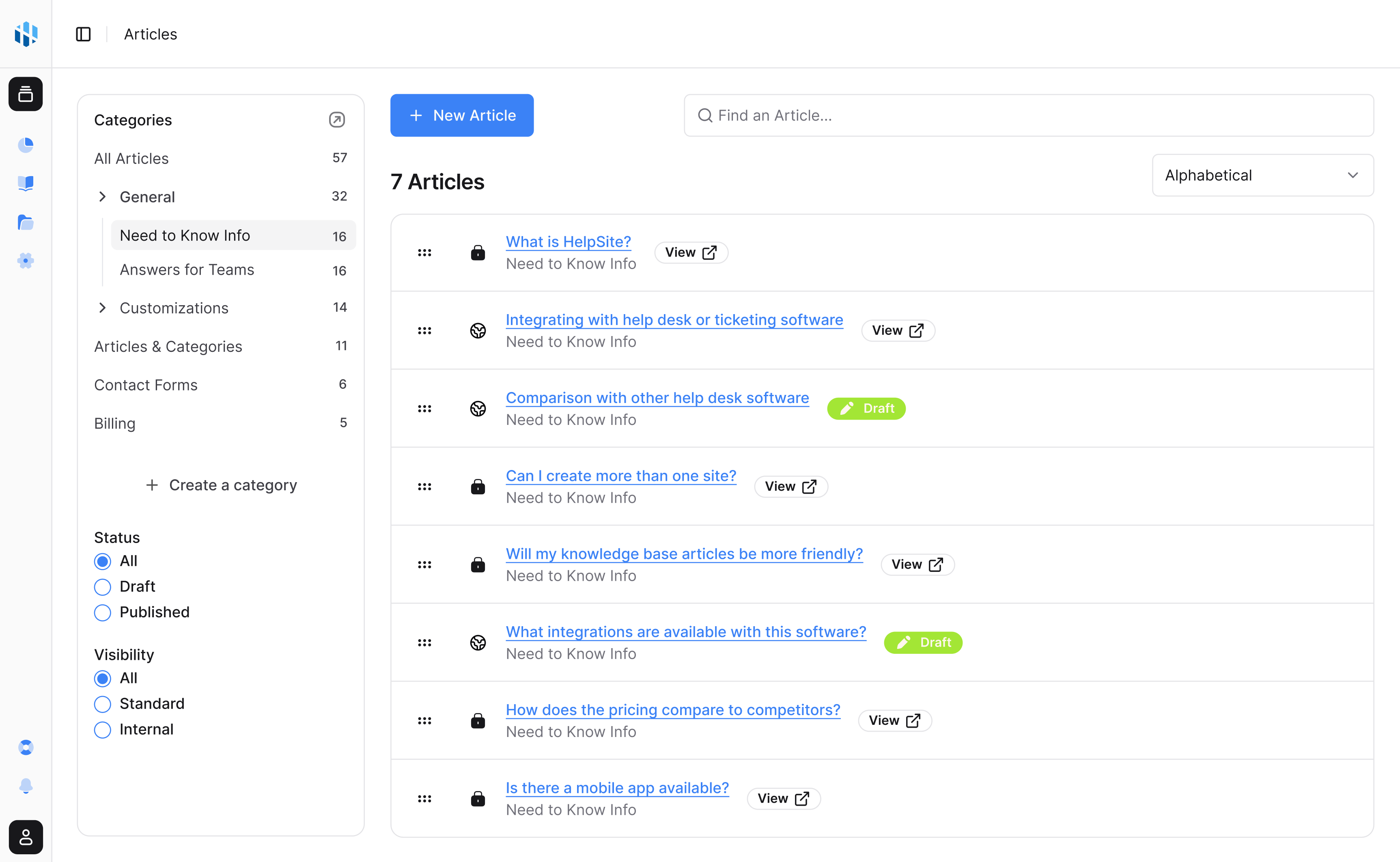
Write each answer once and point everyone to it, without setting up a ticketing system. HelpSite drafts your first articles from your website or docs, and runs a public help center, a private team knowledge base, or both.
No credit card to start



Why it matters
A knowledge base streamlines information sharing and cuts repetitive questions—making both your team and your customers more efficient.
Answer common questions once, then point everyone to a clear, up-to-date article instead of repeating yourself.
A well-organized knowledge base gets new customers and teammates productive faster.
Centralize the answers that matter so nobody has to guess where the latest information lives.
Effortless authoring
Write, organize, and launch your help content quickly—whether you have a team of 2 or 200.
A clean, distraction-free editor lets you capture answers as quickly as you can think of them.
Group articles into categories and collections so the right answer is always easy to find.
Update an article in seconds and every reader sees the latest version instantly.
AI assist
Point HelpSite at your website, PDFs and docs, or a 30-second description. It proposes categories and article titles, shows you 3 sample drafts, then writes the rest for you to approve.
Edit the proposed categories and article titles before a word is written.
Judge the writing on 3 real articles before generating the rest. Single articles can be drafted or improved with AI in the editor too.
Every AI suggestion is yours to accept, edit, or ignore before anything publishes.
Public or private
The same simple workflow powers customer-facing help centers and private team documentation.
Create your first articles today—no developers, no credit card required.
Common questions about building a knowledge base on HelpSite.
Yes. You can publish a public help center, keep an internal-only knowledge base, or run both—so customers and teammates each see only what they should.
Yes. The AI KB Generator drafts a whole knowledge base from your website, documents, or a short description, and the editor can draft or improve single articles with AI. You review and approve everything before it publishes.
Yes. You can bring in existing articles to get started quickly rather than rewriting everything from scratch.
HelpSite is built to grow with you—add more articles, sites, and teammates without migrating to a different tool.
Findability
Help customers and teammates find the right answer before another ticket, ping, or meeting appears.

AI answers
Answer customer questions with AI grounded in your HelpSite articles, source links, and reviewable chat history.

AI workflows
Connect HelpSite to MCP-compatible AI tools so your team can search, draft, update, and organize docs faster.

Launch a public help center, private SOPs, or both in an afternoon.
Start your 14-day free trialNo credit card to start · No per-seat pricing