
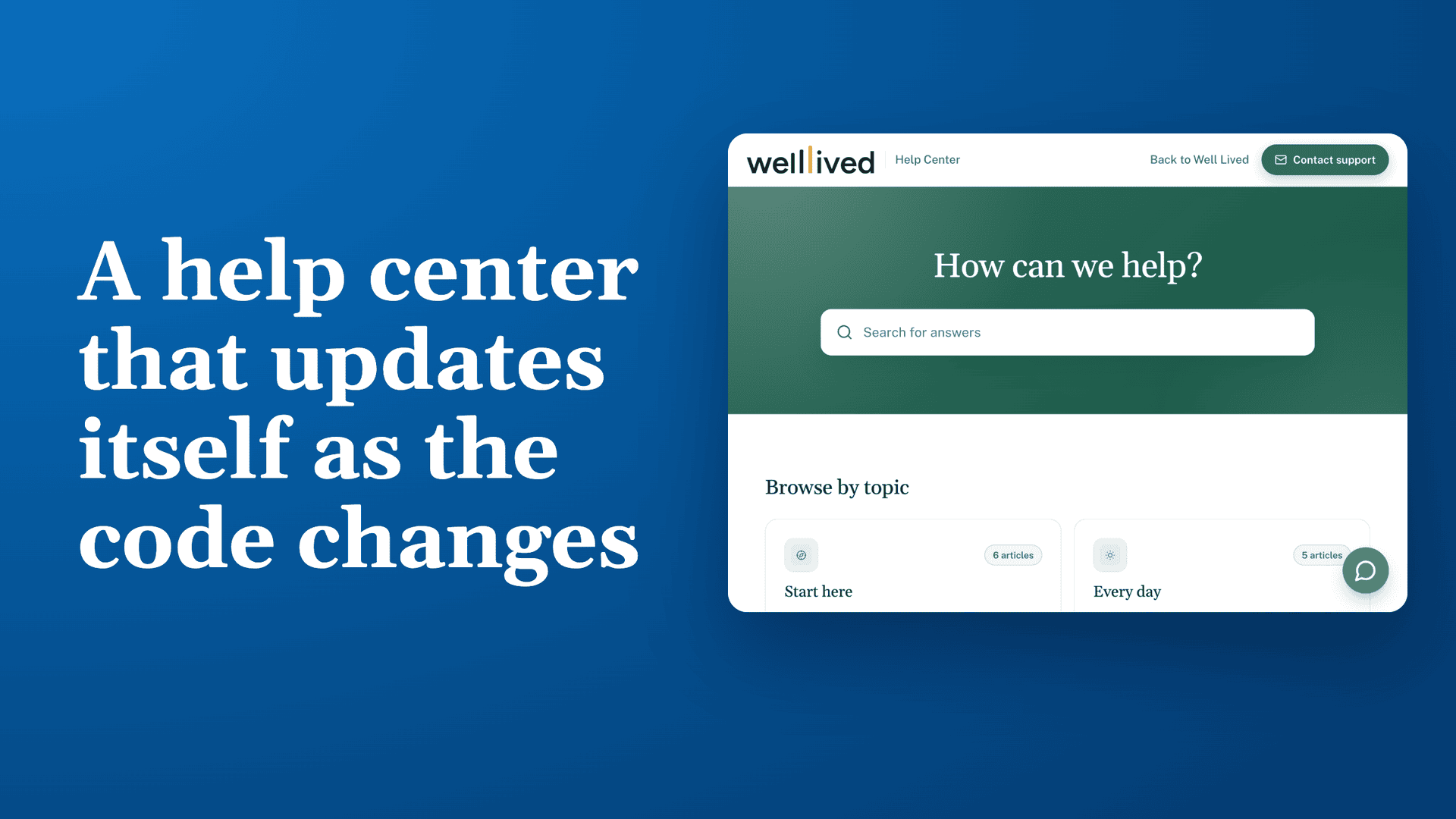
A product that changes most days
Well Lived is a time and energy tracker for your whole life. Members talk through their day in their own words, and the app shows where the hours went, how they felt, and which patterns are worth acting on. It covers a daily log, morning and evening check-ins, a weekly review, goals, and health data from wearables like Oura and Fitbit.
The app ships changes most days, and any one of them can make an article wrong.
The challenge: docs that drift every time the product changes
Well Lived wanted three things from its help center:
- Articles that match the screen. When a page changes, its article and screenshot should change with it.
- Help inside the app. Every page has a ? beside its title that should open the right article.
- Answers members can ask for. Members should be able to ask a question in plain words and get an answer from the docs.
Updating articles by hand after each release would never keep up with that pace.
The solution: docs that ship with the code
Well Lived's help articles live as Markdown files in the app's GitHub repository, and HelpSite is where members read them.
- The article changes in the same commit as the code. Well Lived is built with Claude Code, and a standing project rule says any change a member would notice updates that page's article. Claude also retakes the page's screenshot from a fictional demo account, so the public help center never shows a real member's data.
- The deploy publishes the docs. When a change reaches the main branch, a GitHub Action sends every article to the HelpSite API, which updates and publishes it.
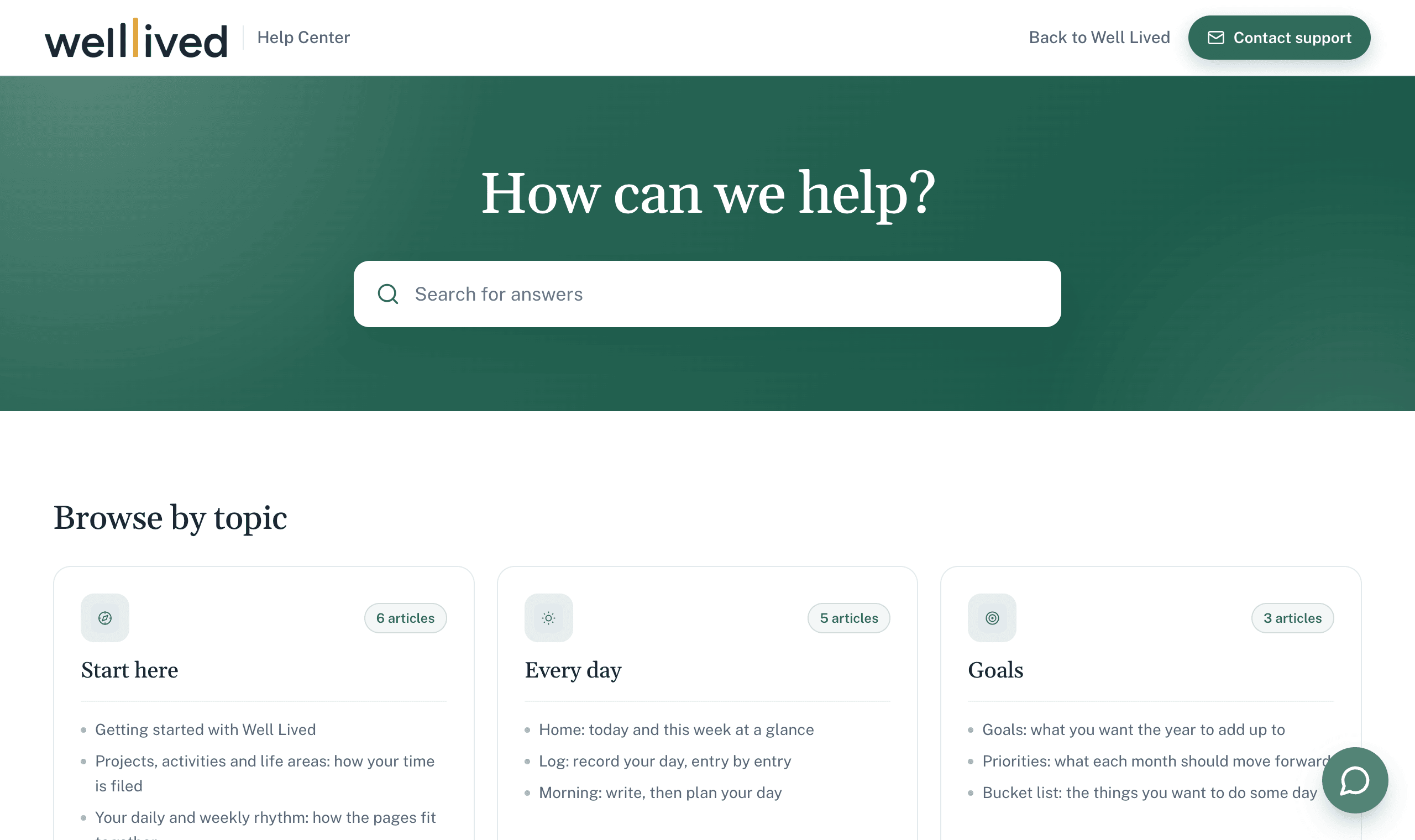
- Members get the new version everywhere. The help center at help.welllived.io, the in-app ? links, and HelpSite's AI chatbot all read from the same published articles.
Results in the first four weeks
| Measure | Result |
|---|---|
| Help articles | 41, in 7 categories |
| Screenshots | 34, all from the demo account |
| Article updates made in the same change as the code | 85% |
| Releases that updated the help center | 26, all successful |
When the Log page got a new phone layout on November 4, the same change updated the page and the three articles that mention it.
The one tradeoff
Because the repository is the source of truth, the sync overwrites any edit made in HelpSite's editor. Well Lived's rule is to edit the Markdown, never the dashboard. A team that edits in both places would add a check that stops before overwriting a change the sync didn't make.
How it was built
The full walkthrough, including the sync script's rules, how the screenshots are captured, and what you need to set this up yourself, is in How to keep a help center current with every code change. If you want the same setup for your product, our done-for-you team can build it for you.
Disclosure: Well Lived is built by Brandon Pearce, HelpSite's CEO. The figures come from Well Lived's repository and deploy history.