

Your front desk didn’t sign up to be a call center. But that’s what it can feel like.
Phones ring nonstop. Patients ask the same questions about hours, insurance, forms, and referrals. Staff juggle check-ins while repeating information that already lives somewhere—on your website, in a PDF, or buried in email threads.
If you’re exploring how to reduce front desk overload with self-service help, you’re not alone. Clinics across primary care, dental, and specialty practices are turning to simple knowledge bases to answer routine questions—so staff can focus on patient care, not repetitive calls.
Why front desk overload happens in clinics
Front desk overload rarely comes from complex medical questions. It comes from volume.
The “same question, different caller” problem
Most incoming calls fall into predictable buckets:
- What are your hours?
- Do you accept my insurance?
- How do I prepare for my appointment?
- Can I get the intake forms in advance?
- Where do I park?
Micro-case: A multi-location clinic found that over half of daily calls were about logistics, not care. Staff spent hours repeating directions and policy details that never changed.
When the phone queue backs up, patient experience suffers. Staff feel rushed. Errors increase.
- In U.S. healthcare call centers handling clinic and outpatient requests, centers may receive an average of around 2,000 calls per day equating to roughly 220 calls per hour during operating hours with meaningful impacts on staffing, wait times, and administrative workload.
Interruptions break focus
Even short calls disrupt workflows. A front desk coordinator checking in a patient may pause three times in five minutes to answer phones. That context switching adds up.
What self-service help looks like in a clinic
Self-service help doesn’t mean replacing people. It means giving patients clear answers before they need to call.
At its simplest, it’s a searchable online knowledge base with:
- Appointment prep instructions
- Insurance and billing FAQs
- Directions and parking info
- Policy updates (e.g., mask rules, holiday hours)
- Downloadable forms
Hosted knowledge-base platforms are used globally, and healthcare teams use them to support both patient self-service and internal workflows.
Public vs. private sections
A good setup includes:
- Public help center: For patients and caregivers.
- Private internal wiki: For staff SOPs, scripts, and training.
This dual setup ensures patients find what they need—while your team has quick access to consistent answers.
From a HelpSite reviewer who wrote about their experience building and training users on the platform. - “Ease of use, easy to create as very easy to train team members to create content and publish correctly.”
How self-service help reduces front desk overload with self-service help
This is where the shift becomes practical.
1. Search-first answers reduce calls
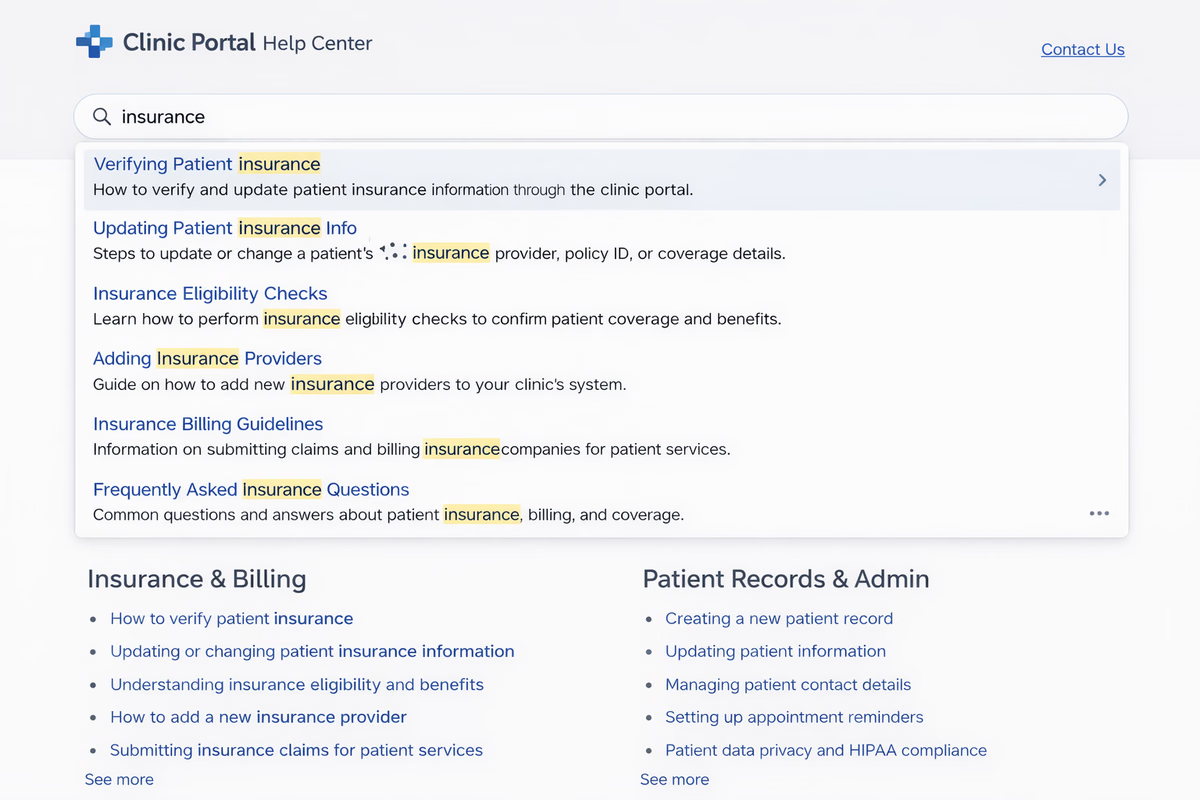
When patients can type “colonoscopy prep” or “flu shot hours” and get instant results, many won’t call.
- HelpSite’s relevance-ranked, search-as-you-type feature is designed to surface answers before users finish typing
Why it works: Faster answers build trust. Patients prefer clarity over waiting on hold.
- Nearly 9 in 10 patients (89%) say having the ability to schedule appointments digitally anytime is important to them, according to Experian Health’s State of Patient Access 2024 survey of U.S. healthcare consumers, a clear indicator of strong patient preference for self-service digital tools in outpatient and hospital settings.
2. Smart contact forms deflect repeat questions
Instead of a blank “Contact us” page, a smart contact form suggests related articles as someone types their question
If a patient types, “How do I reschedule?” the system can show:
- How to reschedule your appointment online
- Cancellation policy explained
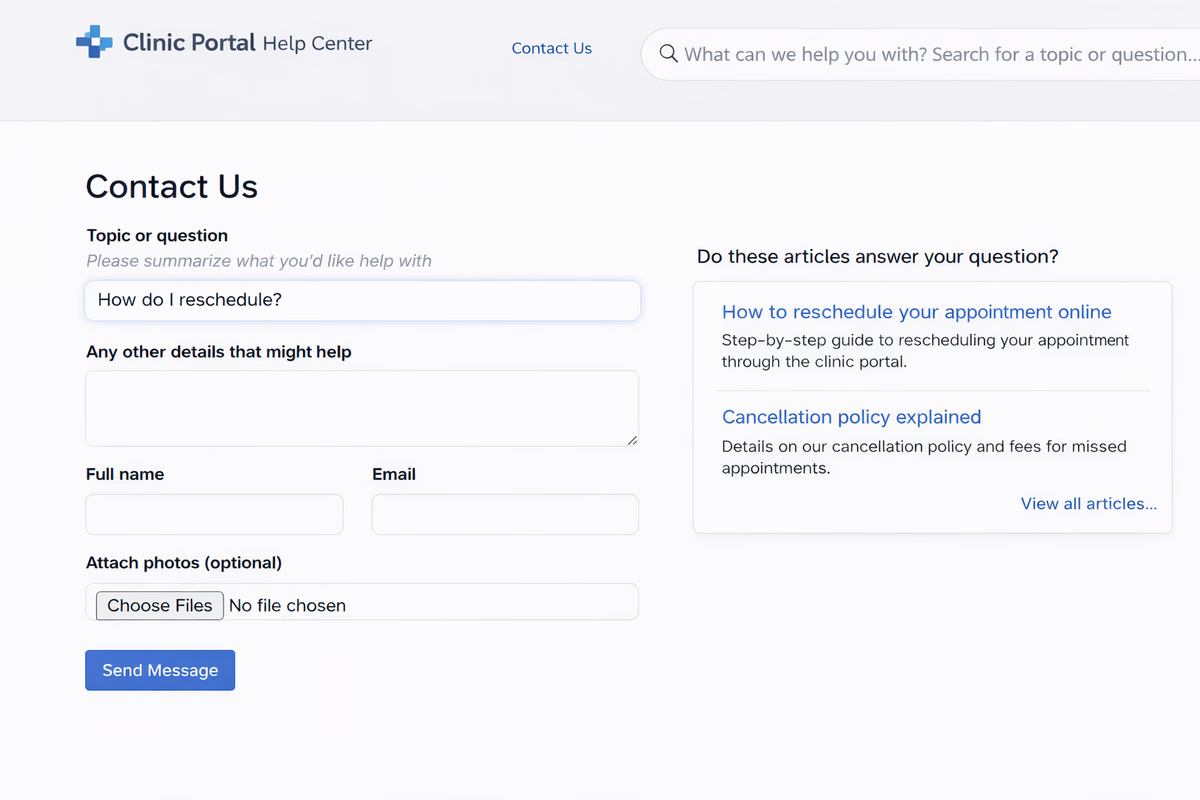
- Micro-case: Sarah M., healthcare reviewer, shared that the built-in FAQ search in the contact form redirected clients to answers instead of submitting repetitive queries.
3. Consistent answers reduce errors
When staff rely on memory, answers vary. Policies get misquoted. Prep instructions get shortened.
A centralized knowledge base:
- Standardizes language
- Keeps updates in one place
- Reduces risk from outdated PDFs
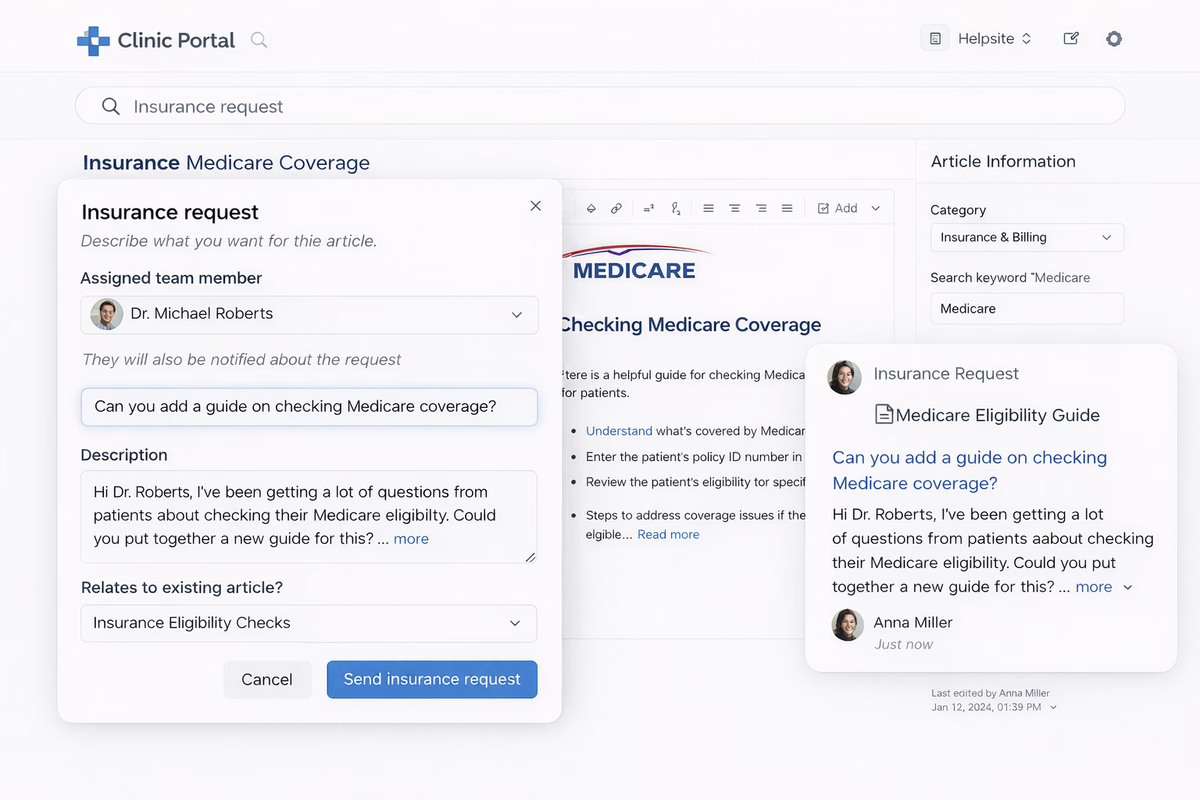
- Uses article assignments to ensure the right team members own and maintain critical content
- With article assignments in HelpSite , each high-impact article has a clear owner responsible for reviews and updates — so instructions stay accurate and no content quietly goes stale.
Ready to reduce front desk overload?
If your clinic is answering the same questions every day, a self-service knowledge base can start saving time immediately.
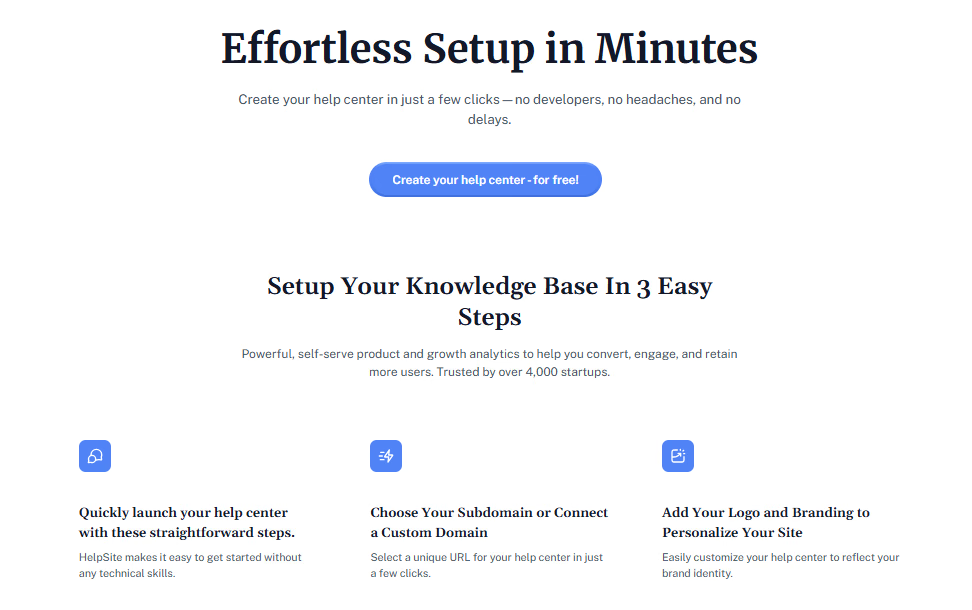
Start your HelpSite free trial now and launch a patient-friendly help center in minutes, no technical setup required.
Building a simple clinic knowledge base (without IT headaches)
Many clinics delay this step because they assume it requires development work.
Step 1: Start with top 20 call drivers
Use your one-week call audit.
Create short, clear articles for:
- Hours and closures
- Insurance accepted
- New patient process
- Prescription refill policy
- Telehealth instructions
Keep each article focused on one task.
How to request a prescription refill
- Log into the patient portal.
- Click “Medications.”
- Select the prescription.
- Submit your request at least 72 hours in advance.
Step 2: Organize by patient journey
Group articles under simple categories:
- Before your visit
- During your visit
- After your visit
- Billing & insurance
Avoid medical jargon in category names.
Step 3: Connect a custom domain
Professional presentation builds trust. HelpSite supports custom domains and SSL out of the box
Instead of: clinicname.helpsite.io
You can use: help.clinicname.com
Step 4: Share the link everywhere
- Website header ("Help center")
- Appointment confirmation emails
- On-hold phone message
- SMS reminders
What clinics notice after launch
Self-service doesn’t eliminate calls overnight. But patterns shift.
Fewer repetitive interruptions
- 61% of customers (including healthcare consumers) prefer to use self-service options for simple issues, suggesting clinics can expect similar behavioral patterns when knowledge bases are available.
Faster onboarding for new staff
Front desk turnover is common. Training new hires on scripts and policies takes time.
With a searchable internal knowledge base:
- New staff find answers instantly.
- Managers spend less time repeating instructions.
That simplicity matters in busy environments.
Common concerns clinics have (and how to address them)
“Our patients aren’t tech-savvy.”
Many aren’t. That’s why simplicity matters.
- Clean layout
- Large, readable headings
- Mobile-friendly design
- HelpSite’s responsive design works on any device without extra setup .
“We don’t have time to maintain it.”
Maintenance is lighter than answering the same question 50 times.
Start small. Update gradually.
Workflow suggestion:
- Assign one content owner (e.g., office manager).
- Review top 10 articles quarterly.
- Update policies as soon as they change.
Because HelpSite is cloud-based and easy to edit, updates feel more like editing a document than managing a website
“We need both public and internal content.”
That’s common in healthcare.
HelpSite supports both public and private knowledge bases, allowing you to:
- Keep internal SOPs secure.
- Publish patient-facing articles separately.
No need for separate tools.
Measuring success without complex analytics
You don’t need advanced dashboards to see progress.
Start with three indicators:
- Call volume by topic (before vs. after launch)
- Average hold time
- Front desk feedback
Even qualitative feedback helps refine content.
A practical shift, not a tech overhaul
Reducing front desk overload with self-service help isn’t about automation replacing care. It’s about protecting your team’s time.
When routine answers live in a searchable, branded help center:
- Patients get faster clarity.
- Staff focus on check-ins and real conversations.
- Policies stay consistent.
Clinics don’t need heavyweight enterprise systems to make this shift. Many teams launch in under an hour and start with a free plan before scaling.
If your phones ring nonstop with the same five questions, the fix may be simpler than you think.