

If you’ve ever sent a customer to your help site and winced at the generic URL—something like yourcompany.vendorhelp.com you’re not alone. For many SaaS companies, the help center is one of the last places to get the branding treatment it deserves.
But here’s the truth: your help center is more than just a list of FAQs. It’s a living, breathing part of your user experience and its URL, design, and structure all influence how customers perceive your brand.
In this post, we’ll explore why choosing knowledge base software with a custom domain isn’t just a cosmetic choice, it's a strategic one. You’ll see how the right setup builds trust, improves SEO, and enhances self-service. And we’ll show how HelpSite helps you get there—fast, with zero dev time.
What is a custom domain knowledge base?
A custom domain means your help center lives at a branded subdomain like help.yourcompany.com, not a generic yourcompany.helpvendor.io. This matters for the same reason your marketing site isn’t hosted on someone else’s domain—it’s about trust, consistency, and ownership.
Why it matters
Builds trust: 75% of consumers say a company’s domain name and web design influence how credible it seems
SEO: Hosting articles under your own domain means your content builds authority for you, not your vendor
Feels seamless: Visitors stay within your branded experience from marketing site to app to help content without jarring context switches.
Why branding your knowledge base boosts credibility
A clean, consistent help center isn’t just about looking good—it’s about being trusted and used.
First impressions happen fast
Your help center is often the first thing a new user sees when they run into trouble. If the site looks off-brand or outdated, users won’t trust the content—no matter how helpful it is.
Support is part of your product UX
When users click “Help” in your app and land on a generic vendor-branded page, it’s a jarring experience. But when the help center is visually aligned with your product, it feels native—part of the journey.
Self-service adoption rises when your docs look trustworthy
You can’t force users to trust your documentation—but you can design for it.
HelpSite makes it easy to keep your experience on-brand
Match your logo, typography, and color palette
Set your help center on a custom domain—even on the free plan
Remove vendor branding entirely on paid tiers
Use your own favicon for instant recognition
Design + search = fewer tickets
It’s not just how your help center looks—it’s how it performs. HelpSite includes:
Relevance-ranked, search-as-you-type search
Smart contact forms that suggest articles before users submit tickets
Fully responsive layouts for mobile and desktop
Pairing branded design with smart functionality creates a help experience users actually want to use.
SEO benefits of using a custom domain
Your support content has long-tail gold hidden inside it.
Help articles = search traffic
Queries like “how to export reports in [your app]” or “reset admin password [tool]” are common—but most SaaS companies leave them uncaptured.
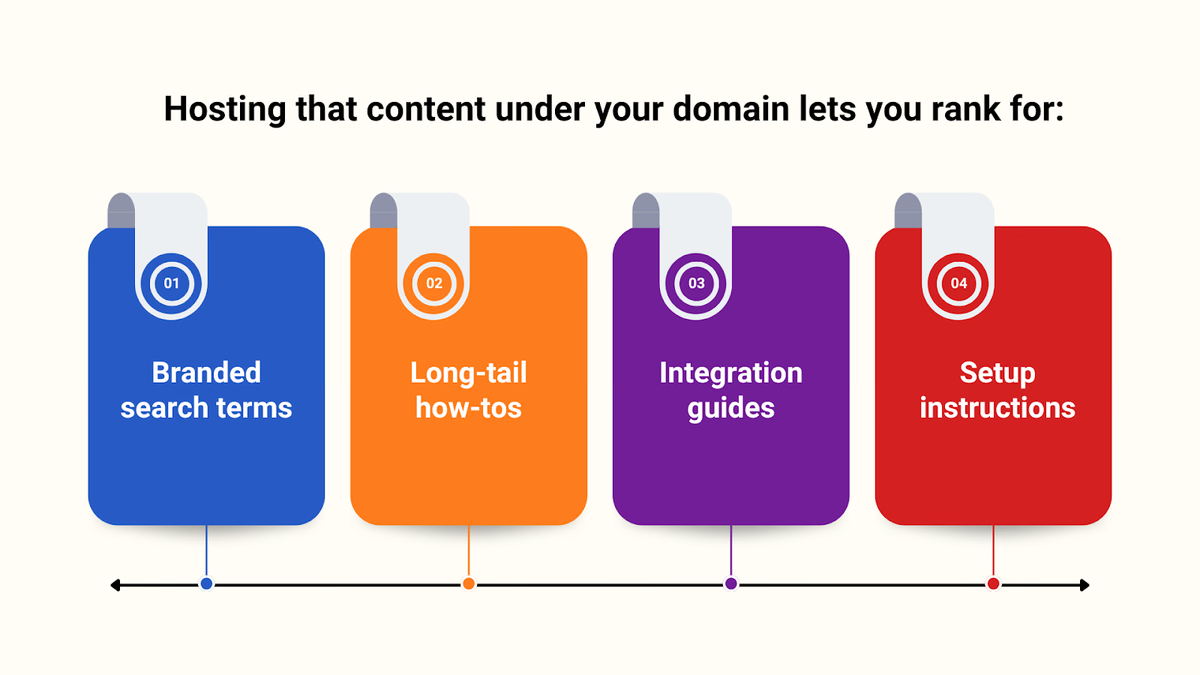
And unlike blog posts, these pages stay relevant for years.
Backlinks and authority stay with you
Hosting your docs on a vendor’s domain means:
Any backlinks to your help articles benefit them—not you
Google indexes their domain—not yours
You miss out on traffic that could feed your trial funnel
With HelpSite, you own everything—from the domain to the meta tags.
How HelpSite makes custom domains easy—even on the free plan
Many knowledge base platforms lock custom domains behind enterprise pricing. Not HelpSite.
Here’s what you get even at $0/month:
- Your own custom domain (like docs.yoursaas.com)
- Upload your logo and favicon
- SSL encryption included
- Fast “search as you type” functionality
On paid plans, you unlock:
- Full HTML/CSS overrides
- Custom JavaScript
- Private/internal knowledge bases
- Multiple to Unlimited sites from one dashboard (depending on your plan)
User quote: Allowing users to connect a custom domain on the free plan is rare—and made the whole experience more pleasurable.” — Junior D., Founder
A 3-step plan to roll out your branded help center
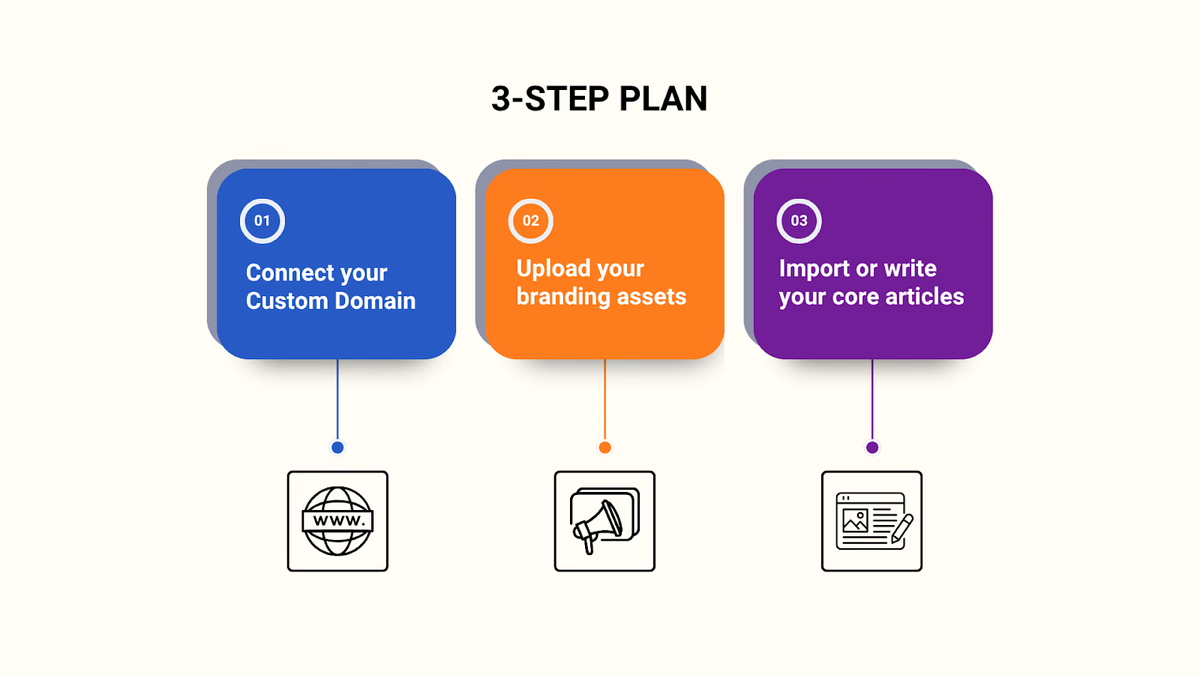
You don’t need a team or a roadmap—just one person and a few hours.
Step 1: Connect your custom domain
HelpSite lets you set up a subdomain like support.myapp.com via a simple DNS change. No engineering work required.
Step 2: Upload your branding assets
Add your logo, pick your colors, and choose a favicon. You can stop there—or go further with custom CSS and JavaScript.
Step 3: Import or write your core articles
Use HelpSite’s AI to turn common ticket topics into article drafts in seconds. Or start with our knowledge base article template.
Final checklist: What a great branded help center looks like
Branded subdomain (e.g., help.yourcompany.com)
Logo, color scheme, and favicon match your site
Fast, AI-powered search experience
Smart contact form deflects tickets
SEO-friendly metadata and structure
Mobile-responsive and accessible
Internal links between related articles
Public and private (SSO) modes as needed
Conclusion: Own your support experience from end to end
Your help center isn’t just a utility. It’s a trust signal, a sales asset, and a self-service engine.
Choosing knowledge base software with custom domain support ensures that your content builds your brand—not your vendor’s.
With HelpSite, you get a fully branded, high-performing knowledge base—live in under an hour, with no developers and no bloated pricing tiers.