

Every support and content team is having the same conversation right now. Can AI draft our help articles? Should it? And if we let it, how do we make sure the output is actually good?
The short answer is yes, but only under the right workflow. Used badly, an AI KB generator produces plausible-sounding content full of wrong feature names, made-up steps, and outdated details. Used well, it collapses hours of writing time into minutes and takes new teams from "we have no knowledge base" to "we have a real help center" in one sitting.
This post is the practical breakdown. What AI is great at, what it still gets wrong, and the hybrid workflow that gets you speed without losing trust.
What is AI great at when drafting help articles?
Turning messy notes into structured drafts. Give AI a transcript, a Slack thread, or scattered bullets, and it produces a full article with the right sections in seconds. The structural patterns from our AI Help Center Guide — question-led titles, lead-with-the-answer paragraphs — are exactly what modern AI applies best.
Rewriting for tone and audience. The same content aimed at end users, admins, and developers needs three tones. AI handles that translation instantly. What used to be three rewrites now runs as one prompt with three audience variants.
Consistent structure across many articles at once. A style guide applied by hand across 50 articles takes days. Applied by AI, it takes an afternoon. Consistency compounds because AI does not get tired on article 47.
The three things AI still gets wrong
Product-specific accuracy. AI does not know your product unless you feed it the current source of truth. If you prompt it to write about a feature and never provide the actual behavior, it will invent something plausible. Every AI-drafted article needs to be verified against the real product before it ships.
Current information. AI trained on general data does not know your last release, your current pricing, or your latest UI. A great draft can be wrong the day it publishes because the model does not know what shipped yesterday. Grounding the AI in your current docs is the fix.
Editorial judgment. What deserves its own article, what belongs on a category page, what should be archived, and where the tone needs to shift for a specific customer segment. These are judgment calls AI is not yet reliable on. Human editors still own them.
A hybrid workflow that works
Five steps that most teams settle into within a month of using an AI KB generator seriously:
Step 1: Human decides what to write. Start from a failed-search list, a support ticket pattern, or a genuine content gap. AI is not good at picking what deserves a doc. That decision stays with you.
Step 2: AI drafts the structure and first pass. Feed the prompt with the exact question the article should answer, your product's terminology, and any relevant existing docs. Ask for a question-led title, a lead-with-the-answer first paragraph, and numbered steps.
Step 3: Human verifies accuracy. Open the product. Follow the steps. Check every screenshot reference, every button name, every plan limit. Fix what is wrong. This step is non-negotiable.
Step 4: AI refines tone and structure. Once the facts are correct, ask AI to tighten the language, adjust the tone, or apply your style guide. This is the pass where AI shines, because it is working with verified content.
Step 5: Human ships. Set the meta description, add related-article links, and publish. Track engagement over the first two weeks and iterate.
This workflow puts AI in the right seats — drafting structure, rewriting for tone — and keeps humans in the seats AI is not ready for: deciding what to write, verifying accuracy, and editorial judgment.
Most easy platform to use for a knowledge base. Their power is that all the functionality is super easy to use. Both for the admin as well for the client using the knowledge base.
Thijs T., Owner, Sports
How the HelpSite AI KB Generator applies this workflow
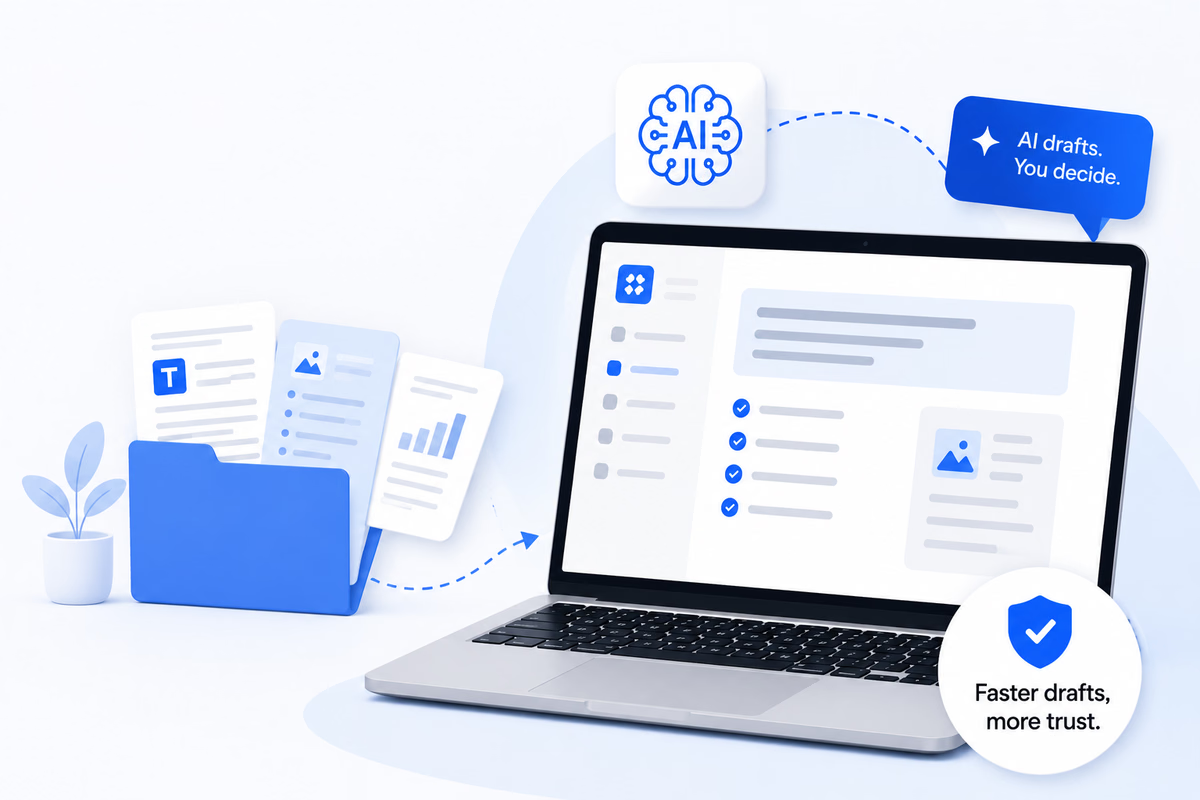
Starting a knowledge base from scratch is the single biggest thing standing between a new customer and a finished help center. Weeks of writing time, hard decisions about category structure, and someone — usually the founder or the head of support — blocking every step. The HelpSite AI KB Generator closes that gap.
With the AI KB Generator, you can:
- Build a full knowledge base from what you already have. Point it at your existing documents, do a website crawl, connect Google Drive, or paste content directly. The generator turns that raw material into a structured help center.
- Start from zero with a guided brief. No existing documentation is fine. Answer a short set of questions about your product and audience, and the generator produces a starting knowledge base you can shape from there.
- Review and edit the suggested categories and article plan before anything gets generated. You approve the shape of the KB before a single article is written.
- Preview three free sample drafts before committing to full generation. See the tone, structure, and quality on a small sample before spending compute on the full set.
- Batch-create approved articles directly into your knowledge base as drafts. Everything lands in your knowledge base as drafts, ready for a human editor to review and publish.
- Avoid duplicate content with automatic duplicate detection. The generator catches overlaps before they clutter your KB, so you launch with clean structure instead of merge work.
The design principle is straightforward. AI should get a new team from "we have no knowledge base" to "we have a real help center" in one sitting, without hiring outside help or blocking on engineering. Every article stays in review until a human approves it, so the hybrid workflow above still applies.
Combined with Sourced AI Answers and HelpSite AI Chatbot, the generator closes the loop between how content gets created and how AI surfaces it to customers.
Common mistakes to avoid
Three patterns show up in most teams' first month:
Skipping verification. The most expensive shortcut. Every unverified AI draft that ships wrong causes tickets and escalations. The 10 minutes saved cost hours downstream.
Prompting without context. Feed the AI the actual question, product terminology, and relevant existing docs. A vague prompt produces a vague article.
Letting the tone drift. Without a style guide, every article ends up in a slightly different voice. Set your style once and feed it into every prompt.
It was very easy to use, maintain, and adapt.
Huans H., Senior Team Lead, Computer Software
Frequently asked questions
Will AI generators replace content writers?
No. They shift what content writers spend time on. Less time on first drafts and mechanical rewrites. More time on editorial judgment, product accuracy, and content strategy. The role gets more valuable, not less.
How do we make sure AI-generated content stays consistent with our brand voice?
Feed a style guide into every prompt. The best teams keep a short one-page voice document that lists preferred terms, tone rules, and audience notes, and paste it into every AI drafting session.
Can AI generate content that is safe to publish without human review?
Not yet. Even the best AI drafts contain product-accuracy errors that only a human reviewer will catch. Treat every AI draft as a first pass, not a final product.
How do we prompt for the best results?
Include the exact question the article should answer, the target audience, current product terminology, and any relevant existing docs the AI should reference. The more grounded the prompt, the better the draft.
Is the HelpSite AI KB Generator available now?
Yes. It is offered as the first step after you create a site, and it stays available from the dashboard afterward. Start a free trial, add your sources, review the plan, and check three free sample drafts before generating the rest. Existing customers can open it from their dashboard too.
Can we use the AI KB Generator if we already have a knowledge base?
Yes. The generator is useful for both from-scratch launches and for adding entire categories to an existing KB. Point it at new source material and let it draft the additions. Duplicate detection prevents overlap with your existing articles.
Final thoughts
AI knowledge base generators are neither the answer to all your content problems nor a fad you can safely ignore. Used inside the hybrid workflow above, they take the slowest part of the job — the blank page — and turn it into an editing pass. Used badly, they publish plausible content that quietly damages trust.
Pick your workflow. Grounded prompts, human verification, AI refinement, human ship. Every article that follows those four steps compounds.