

Launching a startup is a blur of product builds, bug fixes, and customer questions—lots of them. If you're answering the same question, “How do I reset my password?” emails every day, you're not scaling. Before you even think about hiring your first support rep, you need a simple, searchable knowledge base.
Let’s walk through why a knowledge base for startups isn’t a “nice-to-have”—it’s your first line of defense against support chaos.
The startup support problem (and how a KB solves it)
Startups move fast, but support requests pile up even faster.
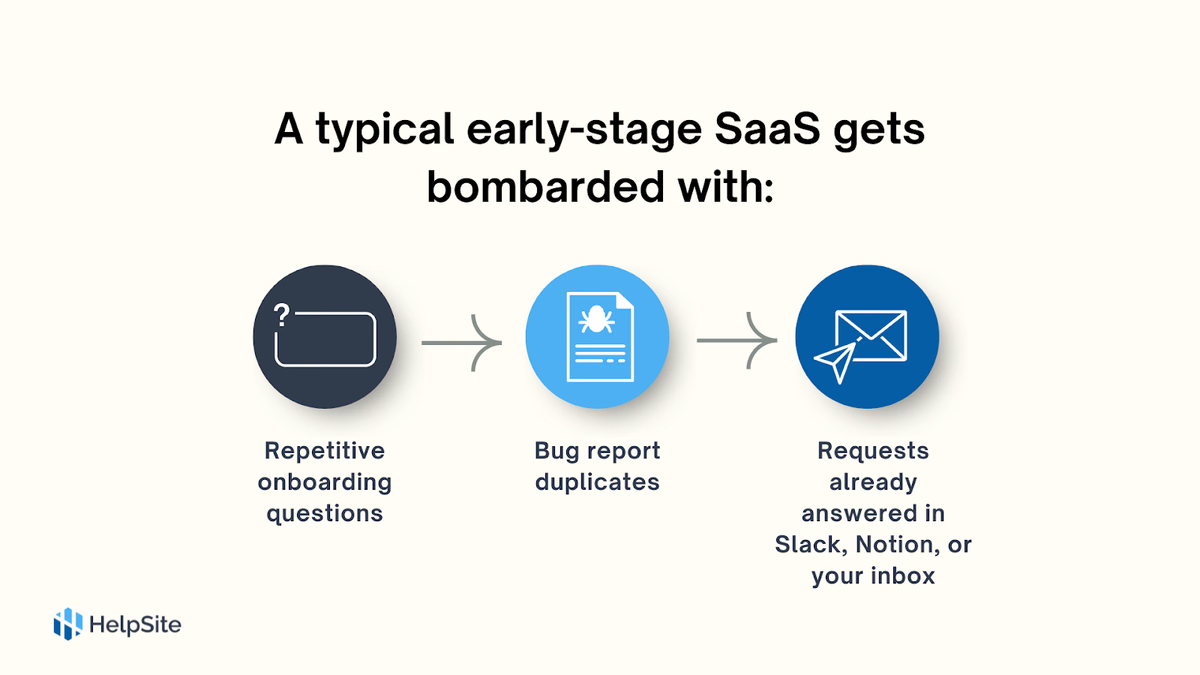
Every reply costs time. And for many founders, you are the support team.
Beside the SVG: “I set up a knowledge base using HelpSite to get our app up and running with some basic FAQs without the need for the development team to create custom pages within Flutter, and all for free!” — Harry P., Product Manager
HelpSite’s “search-as-you-type” experience surfaces articles before users finish typing, so you avoid tickets entirely. Harry P., Product Manager
Why this matters before you hire a support team
Hiring support too early can backfire. You’ll end up scaling reactivity instead of fixing the root issue: missing documentation.
Here’s what a self-service help center gives you before your first hire:
1. It creates repeatable answers
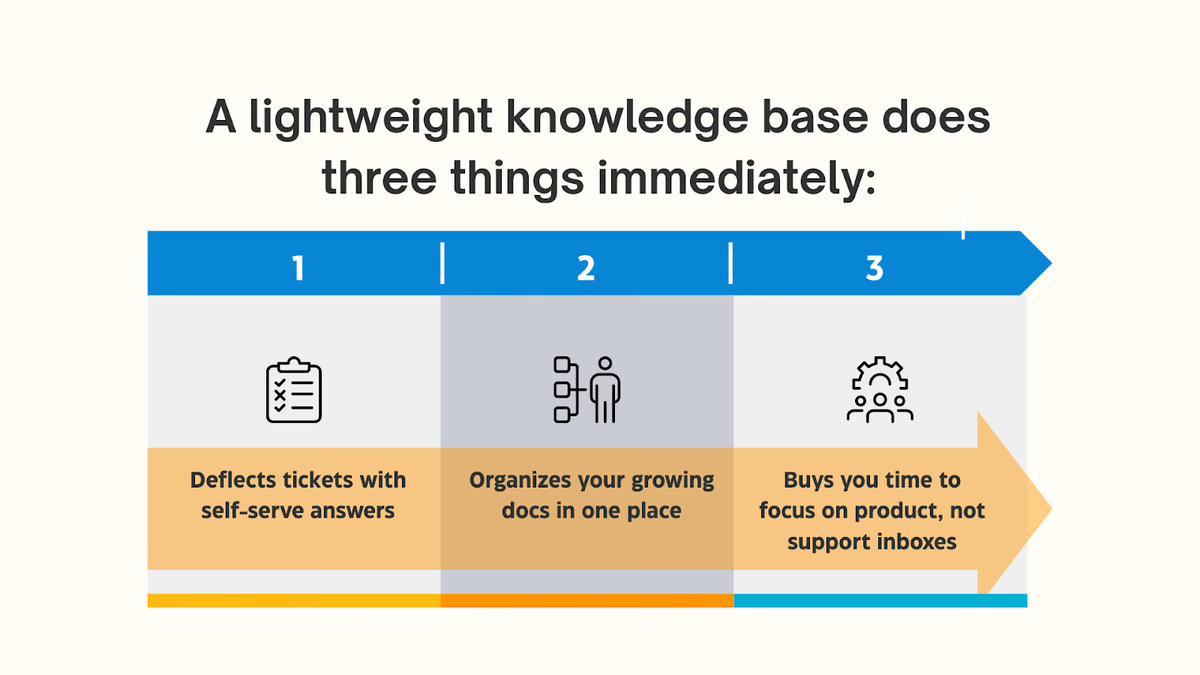
Support staff aren’t scalable unless you’ve codified the answers first. A knowledge base:
- Reduces onboarding time for new hires
- Prevents conflicting advice to users
- Makes it easy to reuse top responses
2. It scales with zero marginal cost
Answer once, help hundreds. That’s the magic of documentation.
Compare this to adding a support agent at $50K+/year. A good knowledge base pays for itself before the free trial ends.
Case in point: Startups using HelpSite
HelpSite was built for startups in this exact position. Here’s how real teams are using it today:
“We launched 7 HelpSites—marketing, product, onboarding, even sales.”
The search works so well that our company president became a fan during a live demo. Our sales team now uses our HelpSite as a pre-sales tool.” — Bradley U., Chief Content Creator
“We needed fast answers, not another inbox.”
HelpSite reduced our internal back-and-forth by 30% in year one.” — Lisa J., Head of Training
These teams didn’t wait for a support team—they scaled answers instead.
How to launch a startup knowledge base in under an hour
You don’t need a full help desk suite. You need something lean, like HelpSite.
Here’s how you can go from zero to live in one afternoon:
1. Choose your must-have categories
Start with onboarding, billing, and product how-tos. Keep it minimal—three categories is plenty.
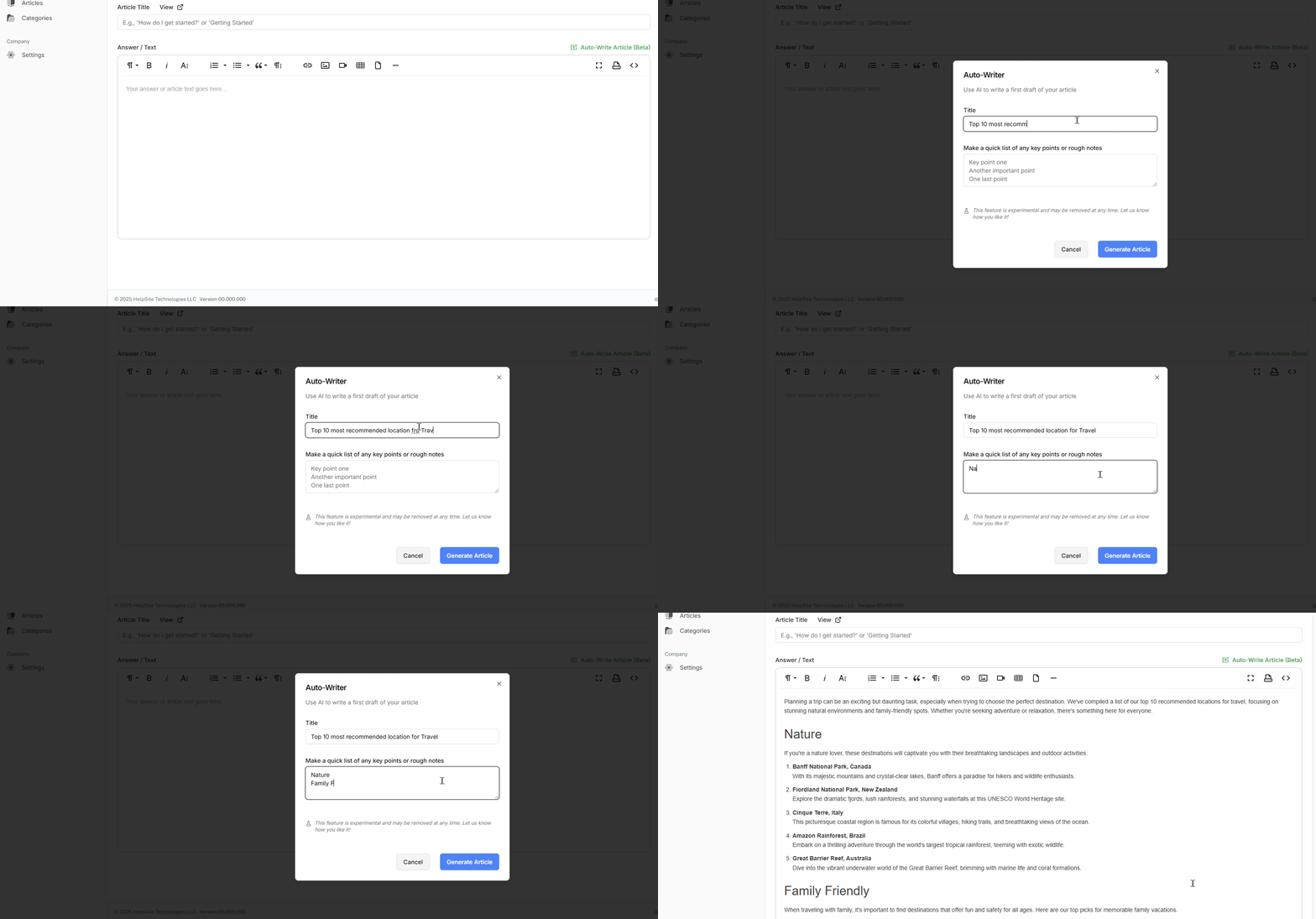
2. Use HelpSite’s AI article assistant
Type a question like “How do I reset my password?” and let AI draft a solid first version. You can edit in plain English—no formatting headaches.
3. Publish and connect
Set your custom domain (even on the free plan), embed your KB in your product, and link from your app’s help icon or contact form.
Don’t wait to document—start deflecting now
Every question you answer manually is a chance to write it once and share it forever. A knowledge base for startups is the cheapest way to scale support before you hire staff.
HelpSite makes it dead simple—with instant search, multi-site management, and a free plan that includes your custom domain.